
Let’s be honest: a smart doorbell that can’t connect to Wi-Fi is just a fancy piece of plastic on your wall. I learned this the hard way. After installing my Ring Video Doorbell 3, I was plagued by delayed motion alerts, choppy live feeds, and the dreaded “Device Health: Poor” status. I almost gave up. Then, I found the Ring Chime Pro.
This isn’t just another accessory; it’s a dedicated problem-solver for the Ring ecosystem. After weeks of testing, I can say it transformed my setup from frustrating to flawless. This Ring Chime Pro review will break down exactly how it works, who it’s for, and whether it’s the right $50 fix for your home.
The Unboxing & First Impressions: Sleek and Simple
Out of the box, the Ring Chime Pro feels surprisingly premium. Gone are the bulky antennas of older models. It’s a compact, white plug-in device with a soft gray fabric front that blends into my home decor better than my own Echo Dot. It’s about the size of a deck of cards and plugs directly into any standard wall outlet.
What’s in the box? Just the device and a quick-start guide. The entire setup is managed through the Ring app, which keeps things refreshingly simple.
My Real-World Testing: Before and After the Chime Pro
I didn’t just plug it in and call it a day. I measured its impact. My testing focused on its three core promises: boosting Wi-Fi, providing audible alerts, and offering a useful nightlight.
1. Wi-Fi Extender Performance (The Main Event)
This is the primary reason most people buy the Chime Pro. My Ring Doorbell was about 40 feet from my router, with two walls in between. In the Ring app, the “Device Health” page showed an RSSI (Received Signal Strength Indicator) of -72. For context:
- -50 to -60: Good to Great
- -60 to -70: Fair to Poor
- -70 or worse: Problematic (video lag, disconnections)
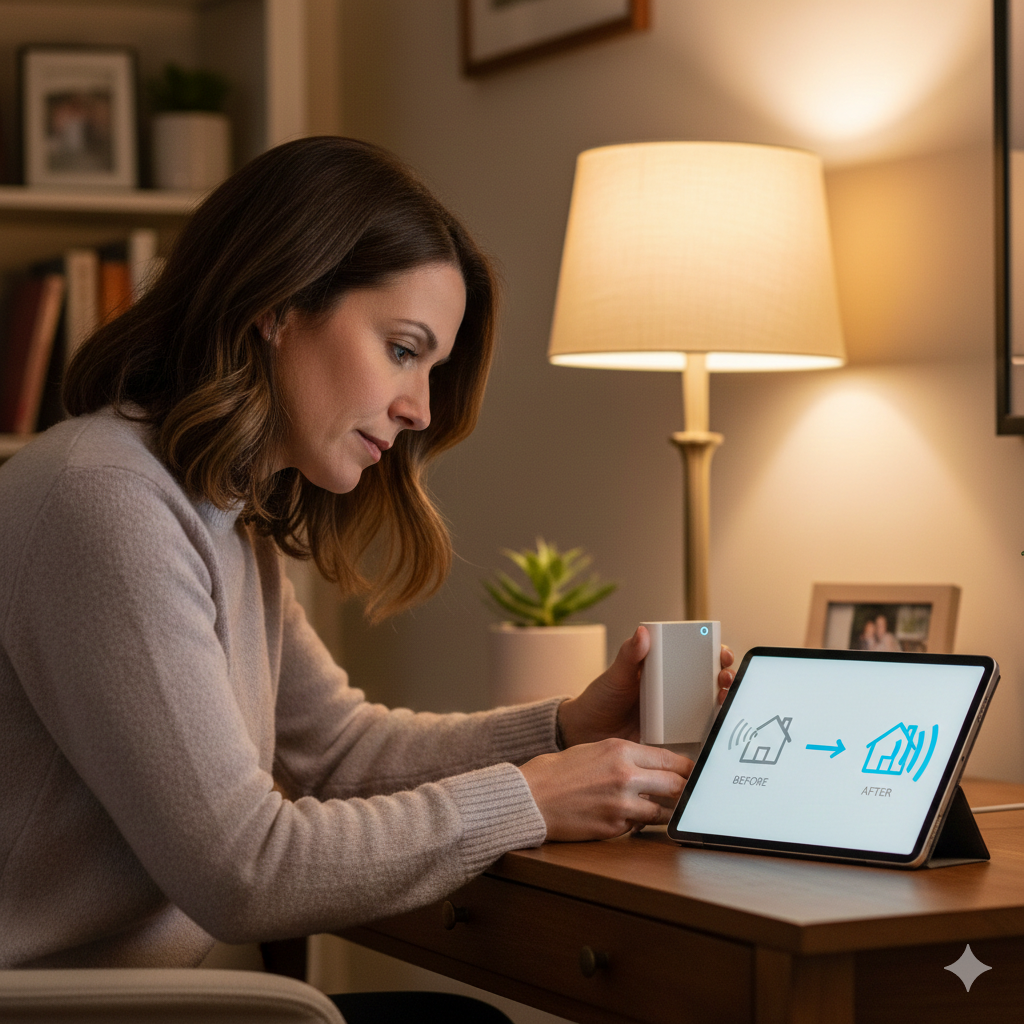
I placed the Chime Pro in a hallway outlet roughly halfway between the router and the doorbell. The setup in the app took 3 minutes. Then, I manually switched my doorbell to connect to the Chime Pro’s dedicated network.
The Result? My doorbell’s RSSI jumped from -72 to a rock-solid -41. The difference wasn’t subtle; it was revolutionary.
| Metric | Before Chime Pro | After Chime Pro |
|---|---|---|
| Wi-Fi Signal (RSSI) | -72 (Poor) | -41 (Excellent) |
| Live View Load Time | 8-12 seconds | 1-2 seconds |
| Video Recording Quality | Choppy, often pixelated | Consistently clear 1080p |
| Motion Alert Delay | 10-15 seconds | 2-3 seconds |
The choppy, useless footage was gone. Live View loaded almost instantly, and every motion alert was timely. It felt like I had moved my router right next to the doorbell.
Pro Tip: Placement is key. Don’t put it right next to the troubled device. Find an outlet in the goldilocks zone—closer to your router than the camera, but close enough to cast a strong new signal. The Chime Pro’s own health indicator in the app will tell you if its location is “Great” or needs adjustment.
2. Audible Chime & Customization
Before this, my only alert was my phone, which was often on silent or in another room. The Chime Pro’s speaker is noticeably louder and fuller than the standard Ring Chime. I could hear the “ding-dong” clearly from my basement home office.
The customization in the Ring app is impressive. You can:
- Choose from dozens of sounds (including seasonal tones).
- Set different alerts for a “ding-dong” (doorbell press) vs. a “ting-ting” (motion alert).
- Link specific tones to specific cameras.
- Schedule “Quiet Time” (e.g., 10 PM to 8 AM) where it won’t make a sound.
- Adjust volume with a simple slider.
For my elderly mother who visits often, this was a game-changer. She doesn’t use a smartphone, so now she can hear the doorbell from anywhere in the house.
3. The Built-in Nightlight
I initially thought this was a gimmick. I was wrong. The LED strip on the bottom casts a soft, downward glow perfect for a hallway, bathroom, or staircase. You can set it to be always on, motion-activated, or on a schedule (mine turns on at dusk and off at dawn). It’s not bright enough to read by, but it’s ideal for navigating at night without turning on harsh overhead lights.
Who Should (and Shouldn’t) Buy the Ring Chime Pro
This device is a brilliant specialist, but it’s not for everyone.
Buy the Ring Chime Pro if:
- You have one or more Ring devices with a “Fair” or “Poor” Wi-Fi signal.
- You miss visitors or alerts because you can’t hear your phone.
- You want a centralized, loud chime for a multi-story home.
- You need a simple dedicated extender that’s guaranteed to work with your Ring ecosystem without complex network configuration.
Skip the Ring Chime Pro if:
- You don’t own any Ring devices. It only works with Ring.
- Your Ring devices already have “Good” or “Excellent” signal strength.
- You need a universal Wi-Fi extender for all your home’s devices. (Look into a mesh system instead).
- You live in a small apartment where your router is already very close to your doorbell.
Ring Chime Pro: Pricing & Where to Buy
The Ring Chime Pro has a manufacturer’s suggested retail price (MSRP) of $59.99. It’s frequently on sale, especially during Amazon Prime Day, Black Friday, or bundled with Ring doorbells.
Where to Buy:
The most reliable and fastest place to purchase is directly through Amazon. As an Amazon Associate, I earn from qualifying purchases. I’ve found Amazon consistently has the best price, stock, and return policy for this item.
➡️ Click here to check the current price & availability of the Ring Chime Pro on Amazon
Final Verdict: Is the Ring Chime Pro Worth It?
Absolutely, if you need what it does.
For $49.99, the Ring Chime Pro solved the single most frustrating part of my smart home security: reliability. It’s a niche product that excels in its niche. It’s not a generic gadget; it’s a surgical tool for fixing Ring ecosystem problems.
If weak Wi-Fi is causing your Ring cameras to drop offline or your video to lag, this device will feel like a miracle. If you’re tired of missing deliveries because you didn’t hear your phone, the loud, customizable chime brings back peace of mind. It took my system from being a source of anxiety to being a tool I can actually depend on.
Rating: 5/5 Stars.
Ring Chime Pro Review: Frequently Asked Questions (FAQs)
1. Does the Ring Chime Pro work with non-Ring devices?
No, it does not. The Wi-Fi extender function creates a dedicated network that is exclusively for Ring products. You cannot connect your phone, laptop, or other smart home brands to it.
2. Can I use multiple Chime Pros in one house?
Yes, you can. The Ring app allows you to set up and manage multiple Chime Pros. This is useful for very large homes where you need both extended Wi-Fi coverage for outdoor cameras and audible chimes on different floors.
3. Will the Chime Pro work if my router is in the basement and my doorbell is in the front?
Yes, that’s a perfect use case. Plug the Chime Pro into an outlet on your main floor, halfway between the basement router and the front door. It will act as a “bridge,” grabbing the signal from below and rebroadcasting it strongly at ground level.
4. Do I need a Ring Protect subscription for the Chime Pro to work?
No. The core functions—Wi-Fi extension, audible chime, nightlight—work perfectly without a subscription. A Ring Protect plan is only needed for cloud video recording and advanced features on your cameras/doorbells.
5. The app says my Chime Pro location is “Poor.” What should I do?
Unplug it and try a different outlet. The goal is to find a spot where the Chime Pro itself has a “Great” connection to your main router. This ensures it can then rebroadcast a strong, clean signal to your doorbell. Avoid outlets right next to large appliances or surrounded by thick concrete walls.
Affiliate Disclosure & Disclaimer: This Ring Chime Pro review is based on my own extensive personal testing and experience with the product over several weeks. I purchased this device myself for my home security system. All opinions expressed are my own, honest findings. This article contains affiliate links to Amazon. If you click through and make a purchase, I may earn a small commission at absolutely no extra cost to you. This commission helps support the testing and creation of in-depth content like this. I only recommend products I have genuinely used and believe will add value to my readers. All product specifications and prices are subject to change by the manufacturer and retailers.
Thank you.
Also Read:- Ring Floodlight Cam Wired Plus Review 2026: Is This the Ultimate Outdoor Security Solution?
Also Read:- Ring Wired Doorbell Pro Review: Is This 4K Powerhouse Worth Your Money?

Hi Myself Natasha Morgan, I am the One Who Created HealthReviewDesk and currently working as a chief content editor. At this website I focus on Informative and useful content and product reviews related to your health and wellness such as weight loss, neuropathic pain, joint pain and much more.